

I originally wrote this series seven years ago when teachers were just beginning to understand how to engage Gen Z learners, and now those students are our colleagues while Gen Alpha is entering high school classrooms. The good news? The core ideas still hold true. Today’s students still need structured support, clear purpose, and engaging strategies to make research meaningful and accessible in secondary classrooms. If you’re looking for practical ways to build stronger research skills, increase student engagement, and design learning that works for this new generation of learners, you’re in the right place. Scroll on to explore the updated insights and grab the free resources included in this post.
Table of Contents
My count-down to summer series this year is all about teaching those unfamiliar beings in our classrooms popularly referred to as Generation Z. Last week, I discussed how I make lecture work for them. This week is all about how to make meaningful research for students.
In the introduction to this series, I identified five traits Gen Z collectively share (give or take):
1. They have smaller attention spans than previous generations.
2. There’s a lot of “noise” in their lives. They don’t always listen unless we are addressing them directly (one-on-one).
3. They are more interested in what “real people” are doing (on social media platforms like YouTube) than in popular television shows or movies.
4. They never, ever have to be bored and don’t expect to be.
5. They already are, or anticipate being, entrepreneurs.

I’m going to take these sweeping traits and explain how to make meaningful research for students.
Our students have access to infinite amounts of information in their pockets (literally). Our jobs have become less about teaching them the information–they already have it–and more about teaching them how to sift through and organize it all. As a result, teaching research skills in middle and high school is more important than ever.
They need to learn the difference between “googling” and actual research, the difference between primary and secondary sources, the difference between fact and opinion, etc. But it’s all too easy to lose their attention when teaching them these skills.
This year, my colleagues and I played on our students’ entrepreneurial desires in order to do all of this, and in true Gen Z fashion, we broke it into digestible bites.
The goal of our historical research (though it can apply to other subjects) was to develop an opinion based on research about a question they had, and to create and publish a website. We broke it down into steps and charged them with executing one step each day.
How to Implement Meaningful Research for Students:
 |
| Example Template. Grab the Scaffolded Research Project in the free resource library. Not a member? Sign up for free here. |
Day 1: Select a Topic, Generate a Question, and Research
1. We had already completed a unit on the Renaissance and the Age of Exploration. Meaningful reseach for students means they selected a thinker, artist, or explorer from that time and decided what specifically they would like to know about them (they generated a question–check out inquiry-based learning strategies here [these foster meaningful research for students]).
2. Students used databases (Galileo and Gale) to research that question. They were charged with finding one primary and two secondary sources (at the beginning of the year, we did this lesson to help students differentiate between the two and worked all year on analyzing primary sources).
3. To prepare them to create an annotated bibliography on a later date, they had to describe what each resource was about and to explain what they learned from it.
 |
| Example Template. Grab the Scaffolded Research Project in the free resource library. Not a member? Sign up for free here. |
Day 2: Generate a Thesis Statement
1. Students had to develop an opinion about their topic (an answer to their question based on their research). They had to state what that opinion was and give three reasons that supported that opinion.
A note here: ideally, we are getting away from the three-prong thesis statement–it’s too formulaic. But we are using it here as a tool to teach students how to construct one. With more practice, we will guide students through synthesizing their three prongs into a concise idea. This helps us scaffold meaningful research for students.
 |
| Example Template. Grab the Scaffolded Research Project in the free resource library. Not a member? Sign up for free here. |
Day 3: Design Your Website
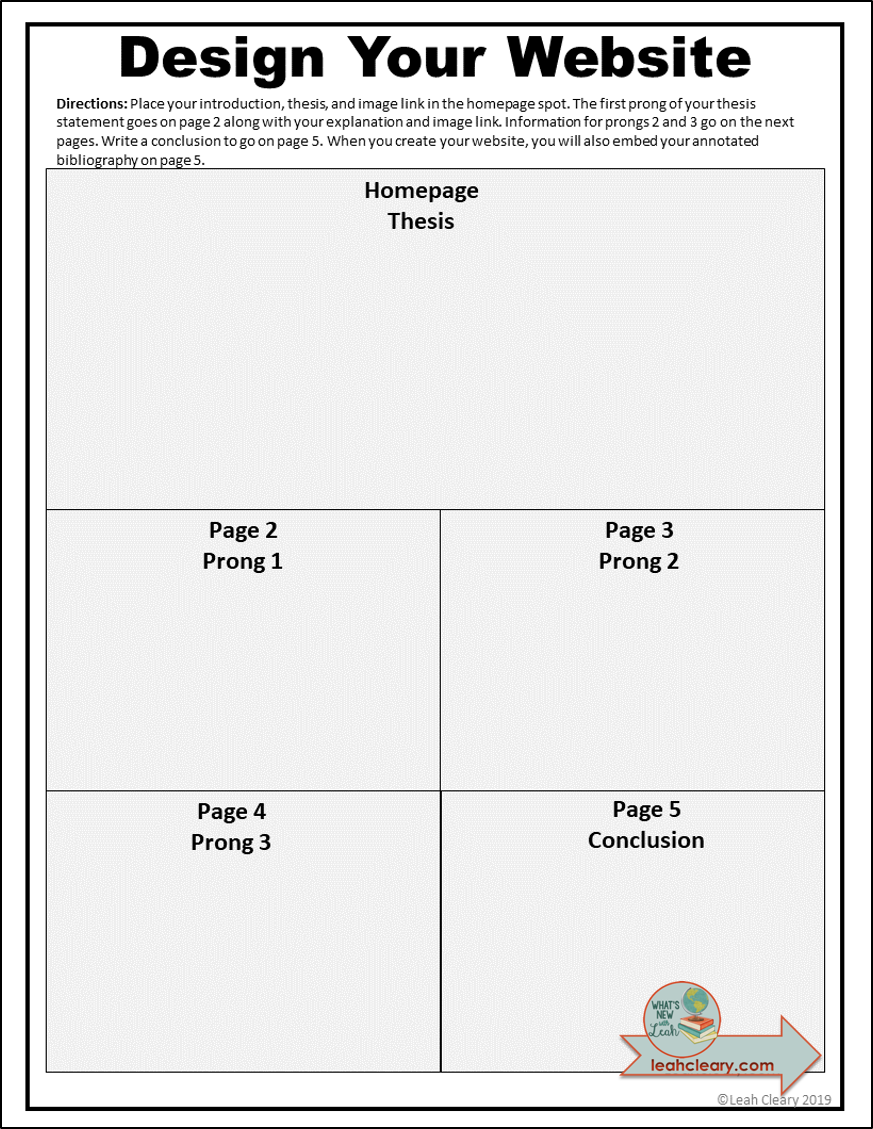
1. We explained to students that they would not be building their website yet. They were simply using their research and thesis statement to plan their website (the word “design” evokes creative entrepreneurial images, so we used that).
2. The website would have five pages. Page one is the introduction and thesis statement. Then there are three pages for each prong. Finally, there is a page for the conclusion and annotated bibliography.
 |
| Example Template. Grab the Scaffolded Research Project in the free resource library. Not a member? Sign up for free here. |
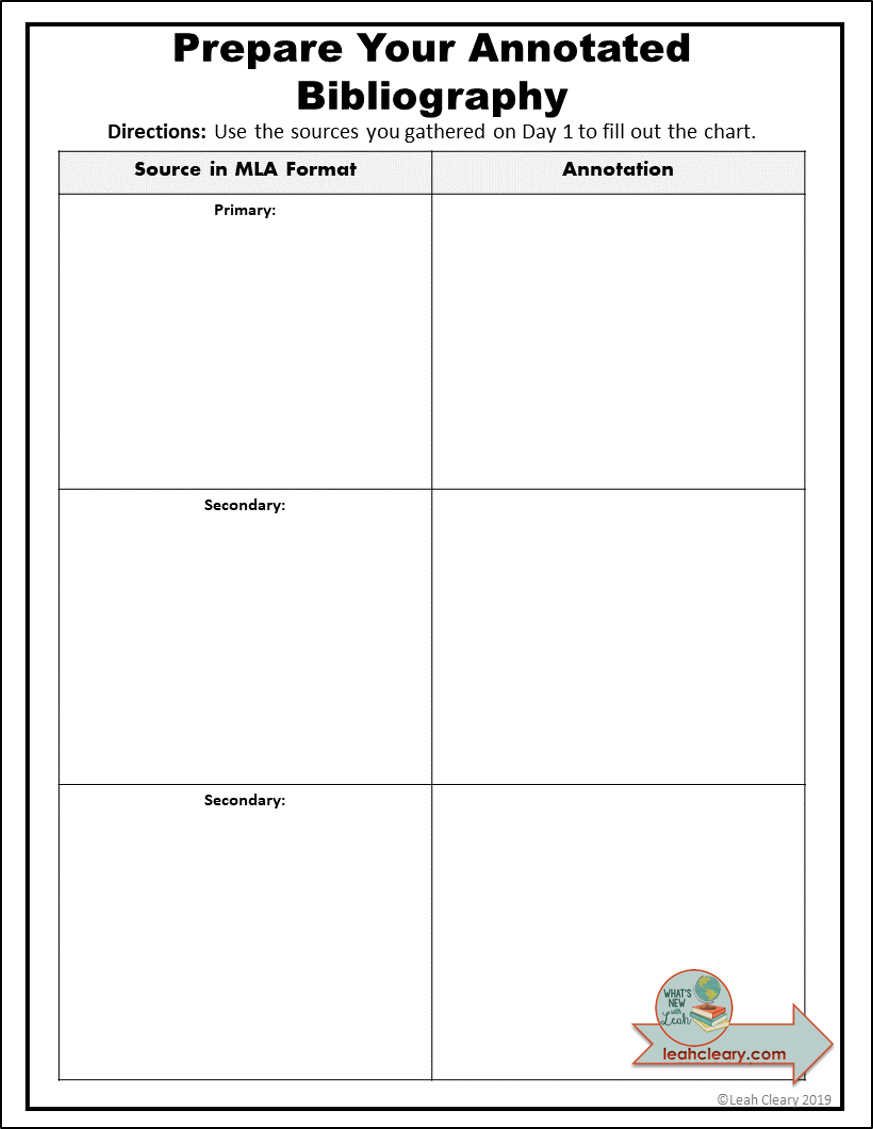
Day 4: Create Your Annotated Bibliography
This is the most painful part for students. My colleague, Joy, designed an example that helped. The National History Day Website also has examples and instructions that are incredibly beneficial.
1. Students took their sources from day one and plugged everything onto a template. They had to use MLA formatting, so we showed them how to get this from Galileo and Gale.
If they used a source from elsewhere (with our permission), we had them use the Easy Bib Add-On in Google Docs to get the correct formatting. Here’s a tutorial I created for using that. (Update–you don’t need the add-on anymore! Just open a doc, select “Tools” in the toolbar, and select “Citations.” BAM! That’s all.)
2. Students used the research they did on day one to create their annotations. Then they plugged everything in to a copy of Joy’s example in Google Docs. This helped because they really struggle with bibliography formatting.
Day 5: Build You Website
1. We gave students a copy of this cheat sheet to show them how to build a Google Site. I like Google Sites because they are user-friendly and safe. You can set them so that they are only available to people inside your organization.
 |
| Grab The Cheat Sheet HERE! |
2. Students used the Design Your Website template that they filled out on day three to plug everything in to their Google Site.
Day 6: Peer Review
 |
| Example Template. Grab the Scaffolded Research Project in the free resource library. Not a member? Sign up for free here. |
1. We took students to the media center and had them pull up their websites on the computers. They used a handout to go around and review each others’ websites (we required them to review 10). This worked really well when there was only one class in the media center, but when we combined classes, it got a little chaotic. An alternative to avoid that would be to put the website links in Google Classroom and assign each student specific ones to review.
Day 7: Peer Review Feedback and Editing
1. Students met briefly with the author of the websites they reviewed.
2. Students had time to make changes before sharing the final link of the published website with the teacher.
So here is how this spin on research speaks to Gen Z:
1. They have smaller attention spans than previous generations. Each day, the students are focused on one component of a much larger research project. It’s in small bites that they can digest. With practice, they will be able to take on a full research project at once, complete with choices of product and longer bibliographies.
2. There’s a lot of “noise” in their lives. They don’t always listen unless we are addressing them directly (one-on-one). The templates and laser-focused tasks free the teacher up to work with students individually. Students who “get it” faster and finish early can become “experts” to help struggling students one-on-one. I use the student as teacher model sparingly, but this is an instance in which it benefits everyone (concepts are reinforced by explaining for both parties).
3. They are more interested in what “real people” are doing (on social media platforms like YouTube) than in popular television shows or movies. Students review each others’ published websites.This is a real-world social media event.
4. They never, ever have to be bored and don’t expect to be. It’s more difficult to be bored when students are engaged in researching and answering a question they have asked about a topic they have chosen.
5. They already are, or anticipate being, entrepreneurs. They are creating a website–my students get pretty excited about this. They are the authors, the “webmasters.” One of my students who has been particularly challenging to engage this year commented about his website, “This looks professional.”
Tips For Implementing Meaningful Research for Students
-Never assume students will be able to do something just because it’s technological. These kids are digital natives, but technology is an enormous bag of goods. Nobody has grabbed everything from it.
-It is vital that students have the appropriate background before embarking on research. They need to understand the difference between primary and secondary sources, understand source citation and annotation, and understand the pitfalls of plagiarism. They also need to understand images and copyright issues. These are things we embed into our lessons all year.
-Make sure students have access to the rubric from the beginning, but assign each template on the given day. Students will sometimes try to work ahead and miss vital components of the process.
How do you break up research for Gen Z? Leave a comment and let me know!
What the resources in this post? Sign up for the free resource library!
Be sure to check out all of the posts in this series on teaching Gen Z for helpful tips and tricks:


